Apex Activity Manager · macOS
Know why your Mac is slow, full or hot.
A native Mac app that shows what’s using your memory, disk, battery and network, explains it in plain words, and helps you fix it safely. Free for personal use.
Version 1.6.4 · 14.2 MB · macOS 14 Sonoma or later · Apple silicon & Intel
Signed by CyberNet Labs, not yet notarized by Apple. The first time you open it, go to System Settings → Privacy & Security and choose Open Anyway.
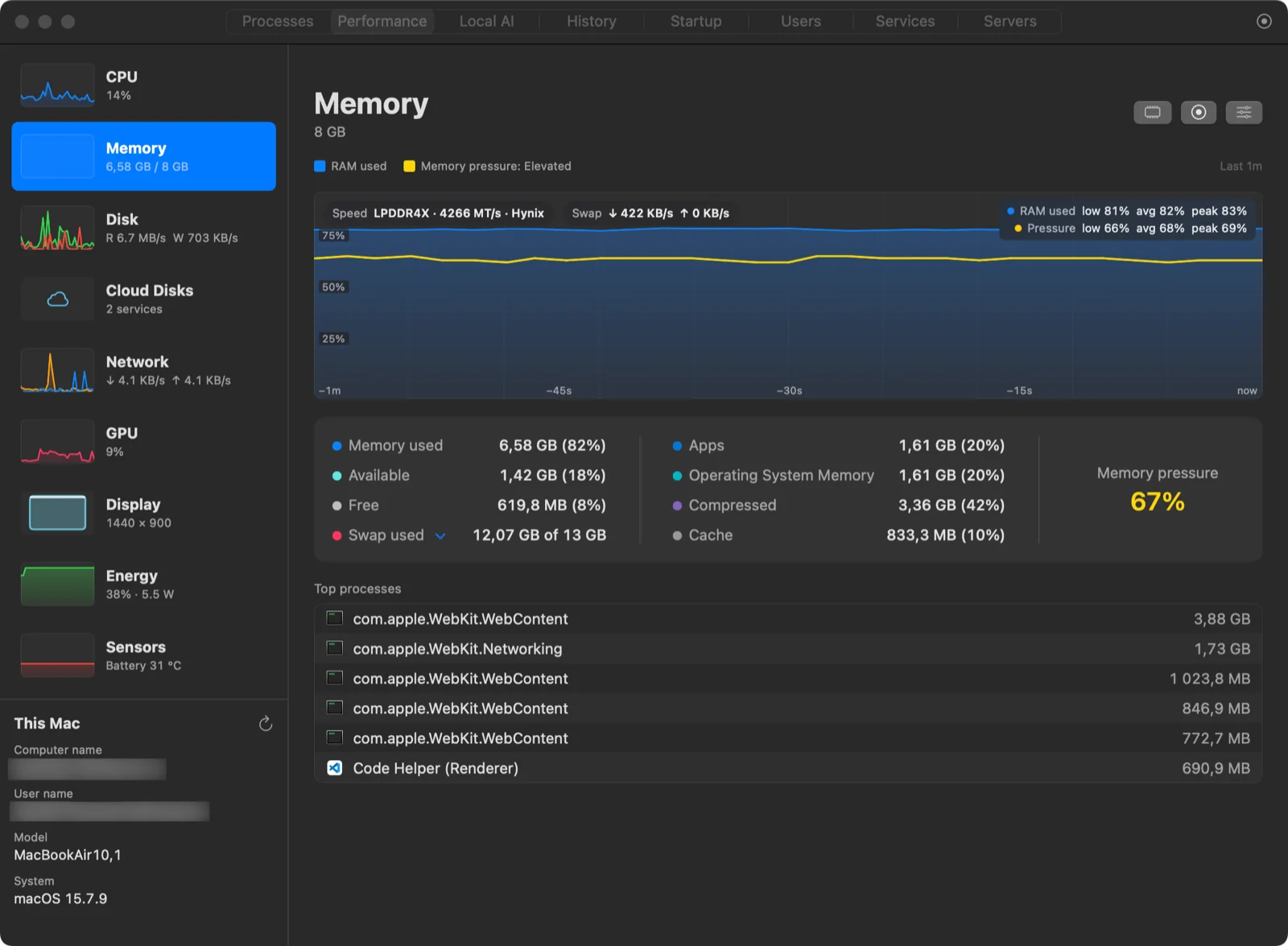
See exactly where your memory goes, and how hard macOS is working to keep up.
Apex Activity Manager brings together the tools you’d otherwise hunt for separately: an activity monitor, memory and disk clean-up, a drive checker, network diagnostics, battery care and a menu bar monitor. Where macOS hides something, Apex says so instead of guessing. No account, no analytics, and nothing leaves your Mac unless you use a feature that needs the internet.
Processes & performance
Find out why your Mac is slow.
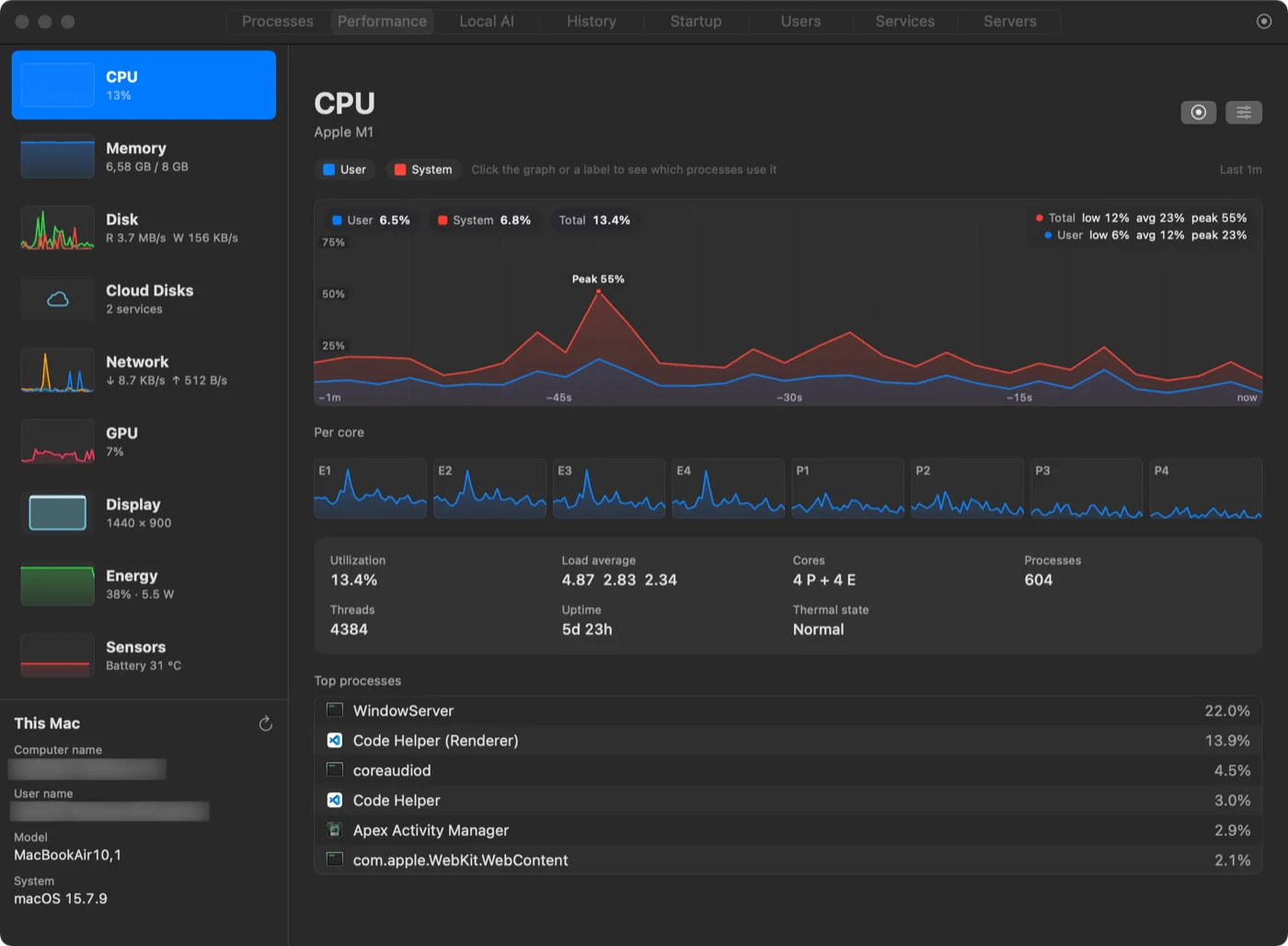
See every process grouped by its app, with CPU, memory, disk, network and GPU use per process. Optimize moves an app to efficiency cores at the lowest priority without closing it; Free Up Memory can quit an app and bring it back later with its windows, or just clear its cache. Every action double-checks it’s still the same process first, so Apex never ends the wrong one.
Optimize doesn’t free memory directly. Windows come back only for apps that support restoring them.
Storage & drives
A full disk, explained.
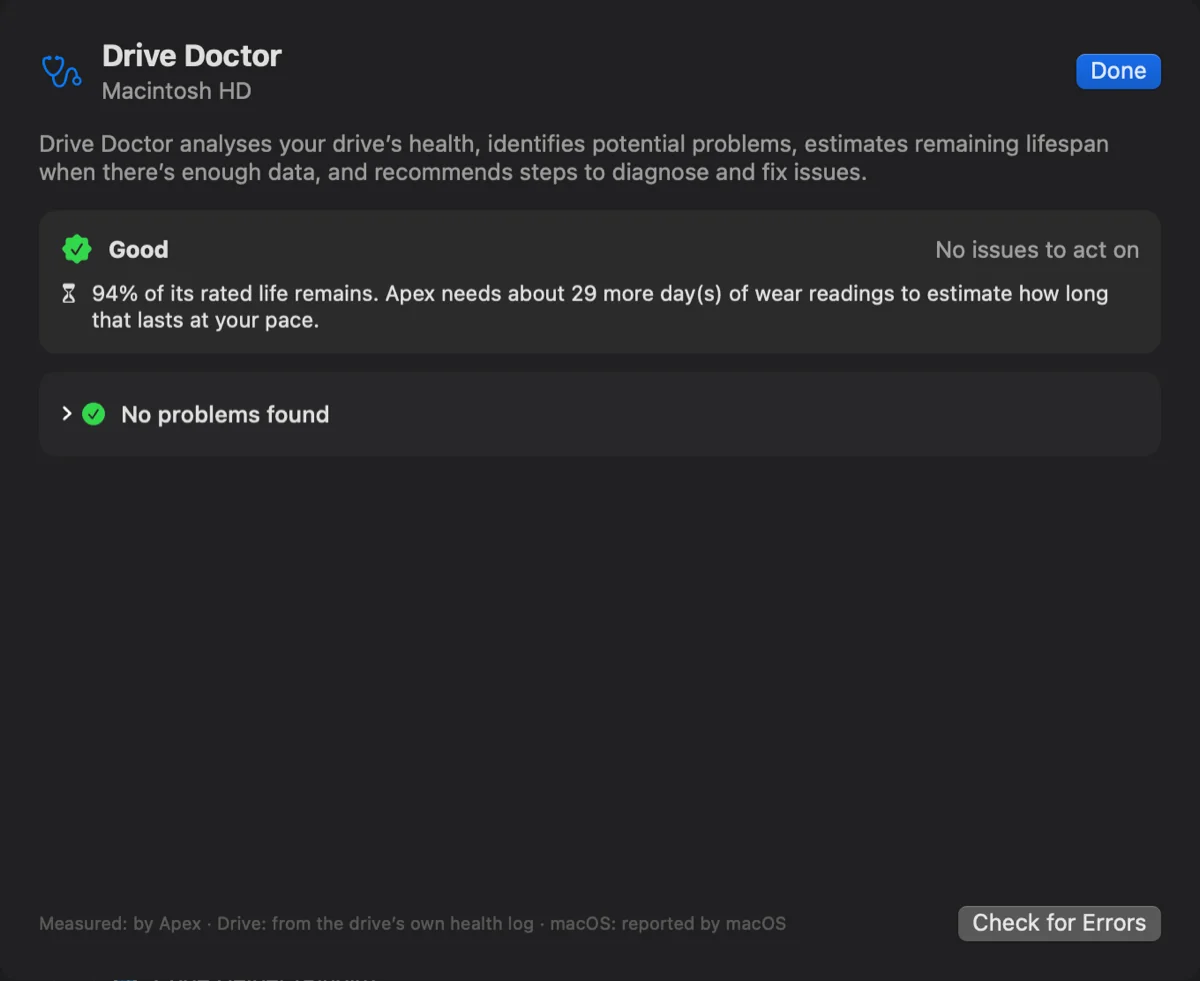
See what’s taking up space, folder by folder, and clean caches, logs and leftovers after reviewing them yourself. Drive Doctor checks your drive’s health and explains what it found, in plain language, with an estimated remaining life once there’s enough data to make one.
Life estimates need 30+ days of readings and measurable wear. Reviewed items go to the Trash, and emptying the Trash is permanent.
Network
Internet not working? Find the broken link.
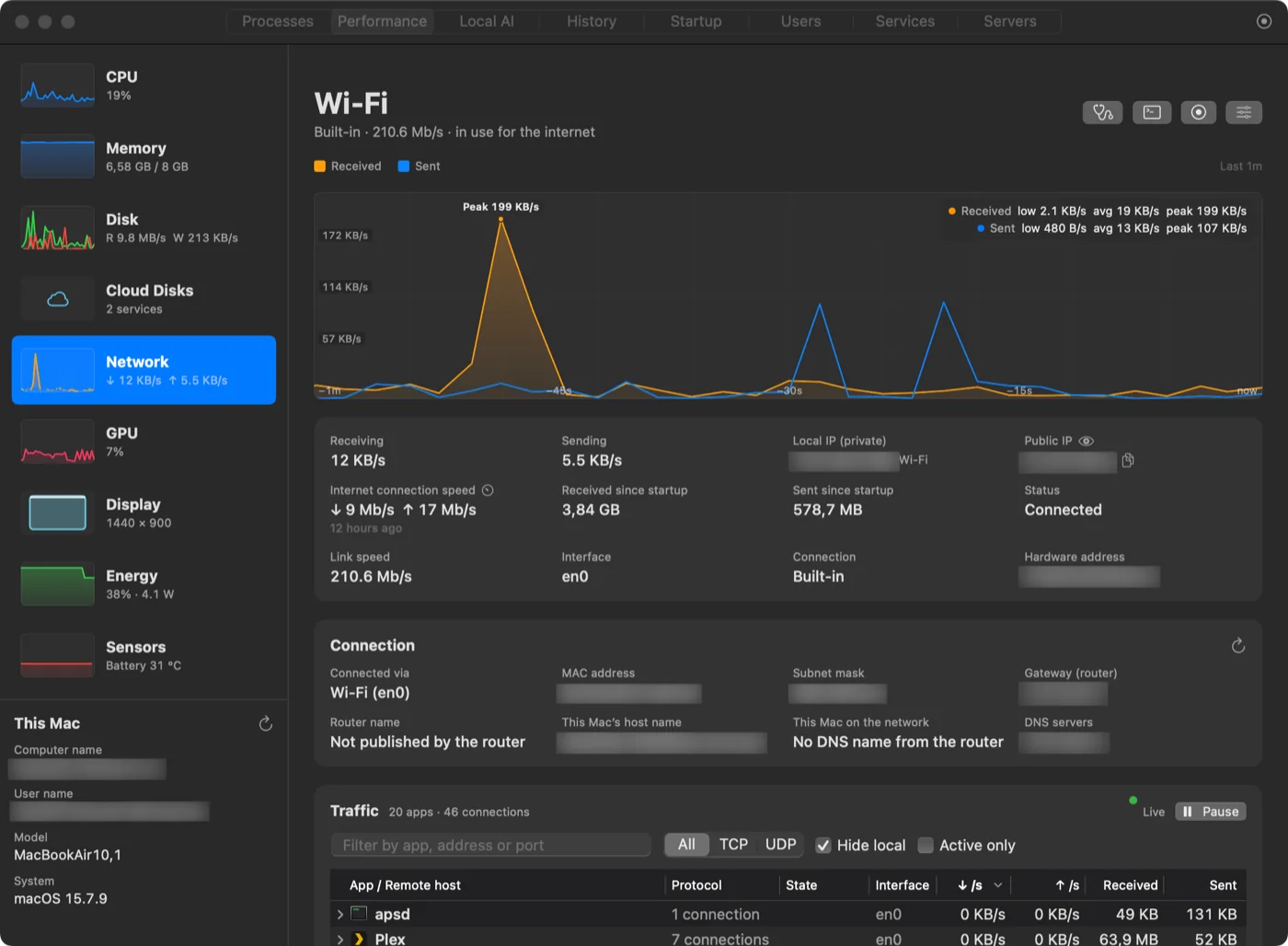
Network Doctor checks your Wi-Fi, router, provider, DNS and sign-in page in about ten seconds, without changing anything, and tells you which one is the problem. See which apps are using your connection and which servers they’re talking to, live.
Tested on Wi-Fi; Ethernet and VPN are untested.
Battery & energy
Keep a plugged-in MacBook from sitting at 100%.
See where your battery’s power goes, app by app, and set a charge limit between 50% and 100% so a MacBook that’s always plugged in doesn’t sit at full charge. The limit keeps working even with Apex closed, through a small optional helper you install with your password.
MacBooks only. Installs an optional, removable helper. How the limit is held depends on your Mac’s firmware.
Alerts & history
Hear about problems, not noise.
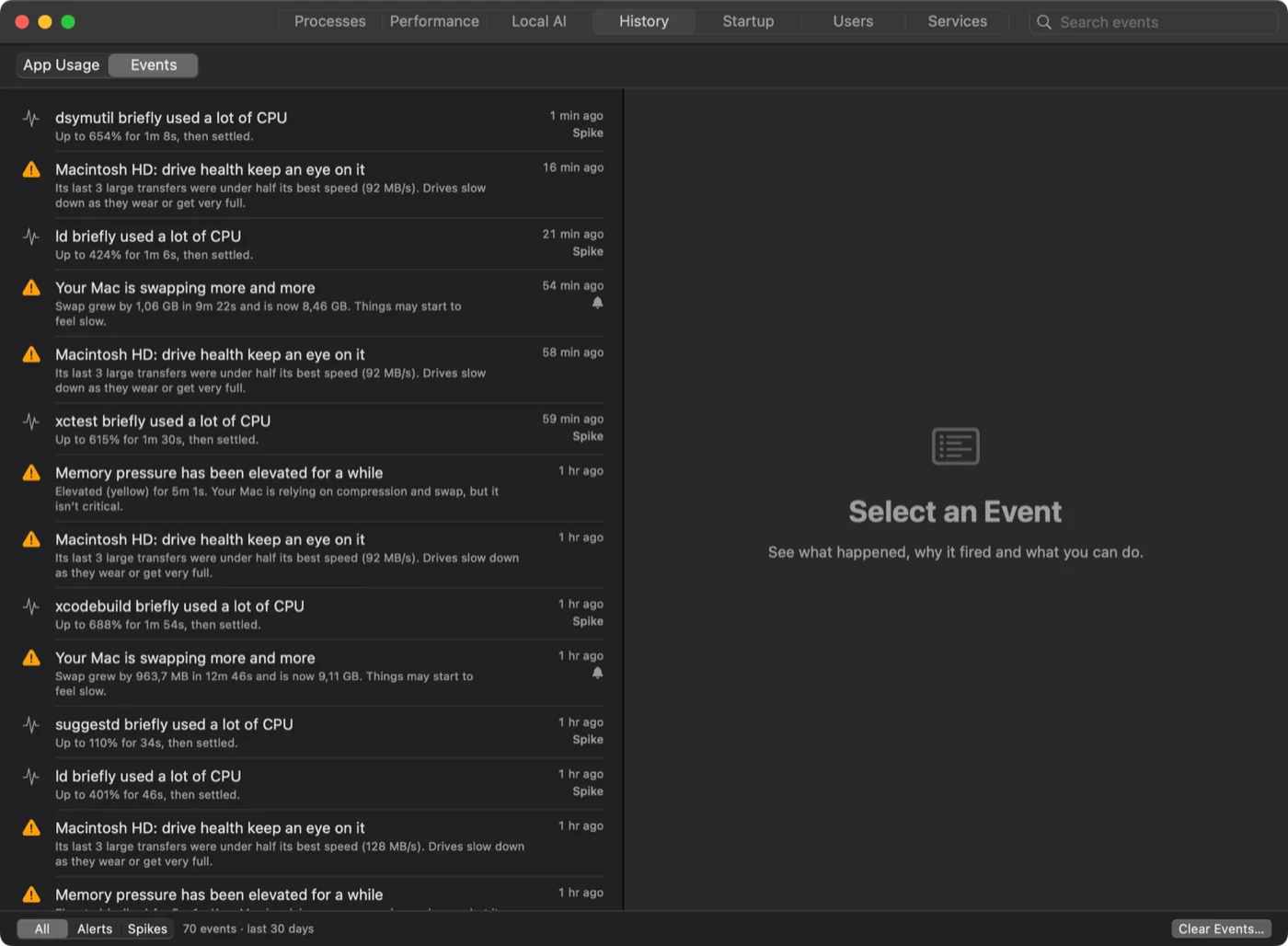
Apex only alerts you when something stays wrong — a CPU hog, memory under real pressure, rising heat, a drive nearly full or filling fast — not every passing spike. History keeps the last 30 days of events, each one with the numbers behind it.
History covers the time Apex has been running.
Assistant
Ask “why is my Mac slow?” and get a straight answer.
Apex Agent answers common Mac questions instantly, works offline, and can quit an app you name when you click. If you’d rather use a model, connect one running on your own Mac, or bring your own key for OpenAI, Anthropic, Google, Mistral, OpenRouter or any OpenAI-compatible service — your keys stay in the macOS Keychain.
Your Mac’s readings, including the names of your busiest apps, are sent with each question by default; you can switch this off in Settings. Cloud providers bill you directly. Apex Agent is a built-in rules engine, not an AI model.
Utilities
Make an installer USB on your Mac.
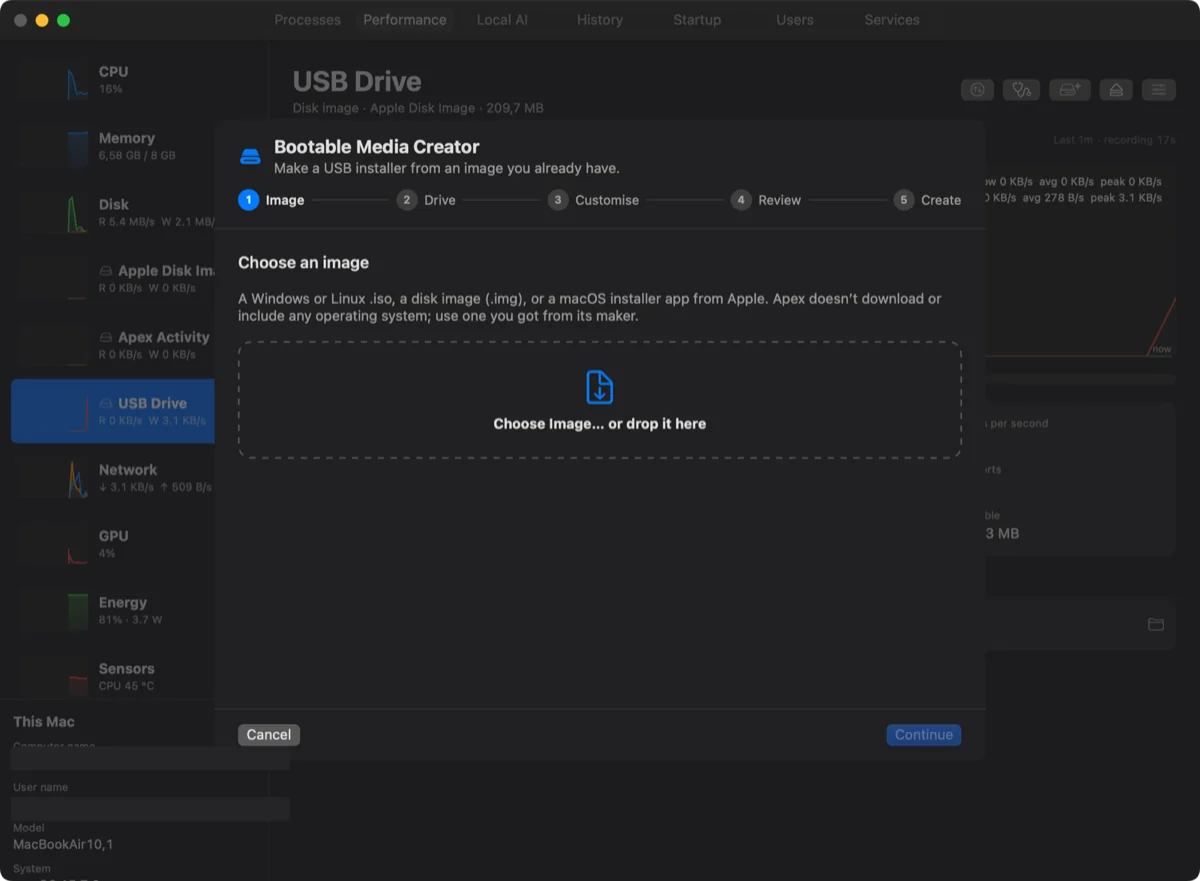
Bring a Windows or Linux disk image, or a macOS installer, and Apex walks you through turning a USB drive into a bootable installer, with Windows 11’s setup options — skipping the TPM, Secure Boot and RAM checks, or adding a local account — built in.
You supply the image. Shown here staged on a disk image; not yet tested booting a real PC. Windows images over 4 GB need the free wimlib tool.
Servers
Your servers, in the same app.
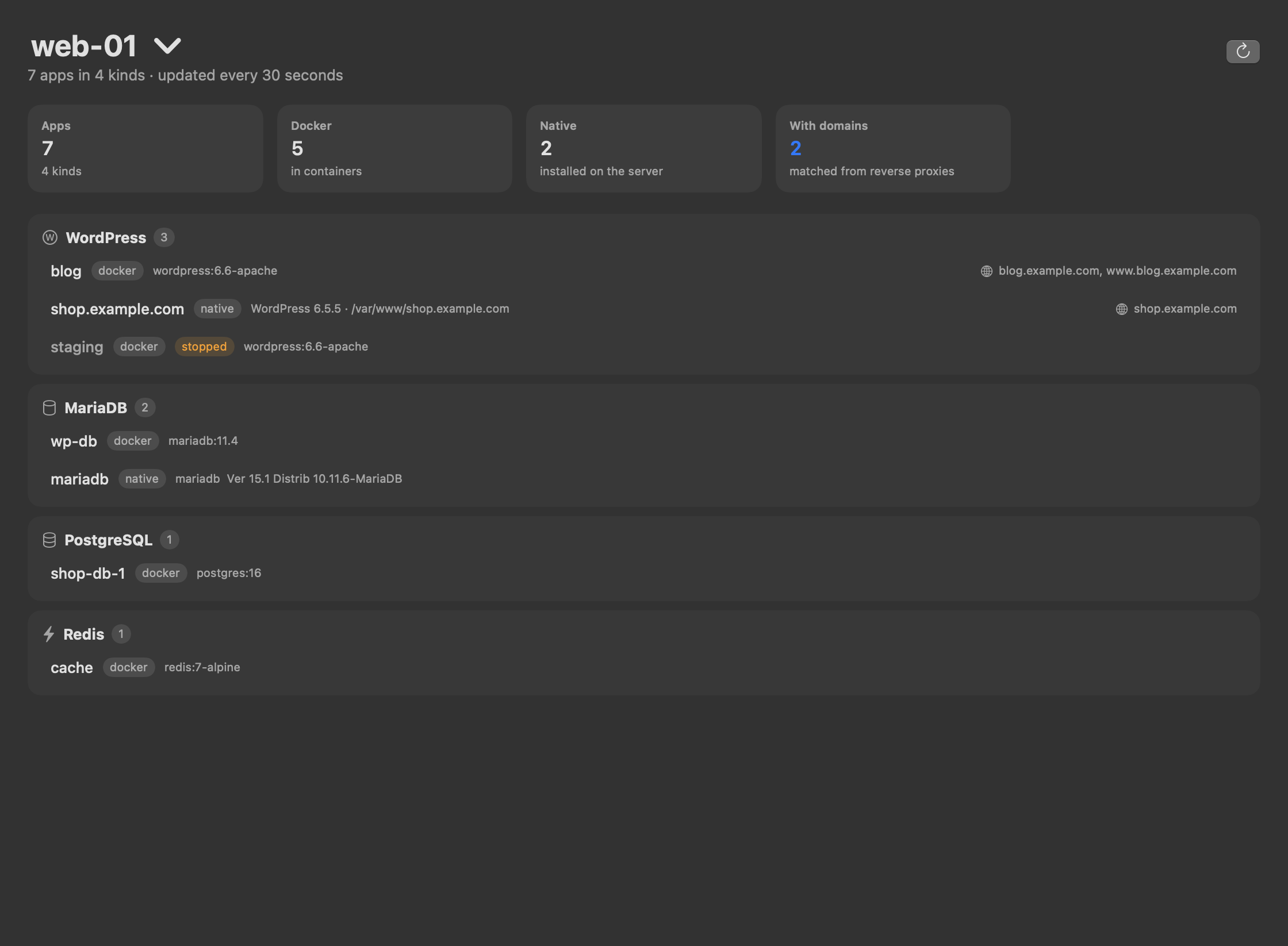
Add your Linux servers and Docker containers to the This Mac menu and Apex shows each one like your Mac: processes, performance, services, users and a report. All Servers adds them up, and one that’s off or out of reach shows red and says why. With Apex Server Edition on the server, see its websites and the apps behind them (WordPress, Ghost, Nextcloud, databases and more), manage its Docker stacks, update Server Edition with one click, and use Manage: a root terminal, files, updates and the firewall.
Shown with a sample server. Websites, Apps, Docker and Manage need Apex Server Edition; the rest works over SSH too.
More in the box
Privacy, honestly.
Apex has no account, no analytics and no CyberNet Labs server behind it — nothing phones home just for using the app, and there’s no third-party code in it either. Network features only talk to the services you actually use: a speed test, your router, an AI provider if you connect one, or a server you add yourself. The one feature that sends information off your Mac by default is the Assistant’s cloud mode — your question goes to the provider you chose with your Mac’s current readings, including the names of your busiest apps, unless you turn that off in Settings. The built-in Apex Agent works entirely offline and sends nothing.
Compatibility
Try it on your Mac.
Free for personal use. No account, no catch.
Need Windows or a headless Linux server instead? See all editions. Looking to use Apex commercially? Get in touch.